

August 2026 V4.6.1 Release
Another update packed with new features and improvements for your Have I Seen It experience!
Here’s what’s new in version 4.6.1
🗺️ Events, museums and airfields in one place
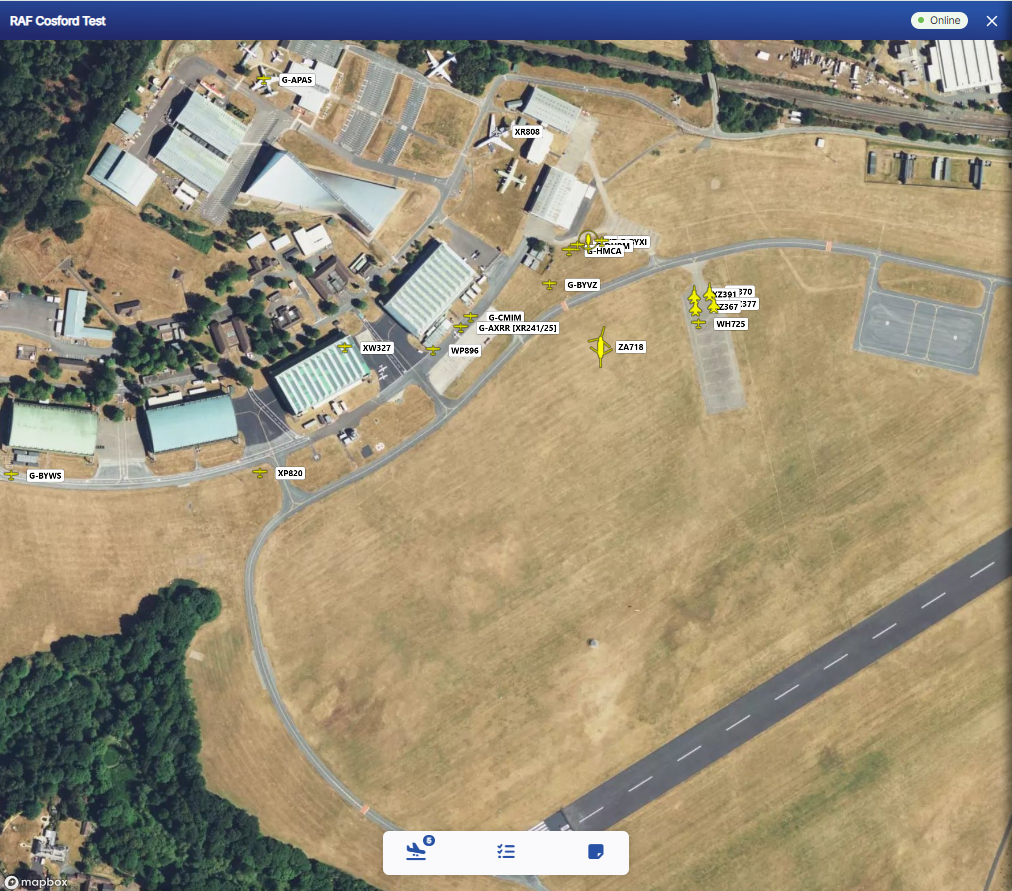
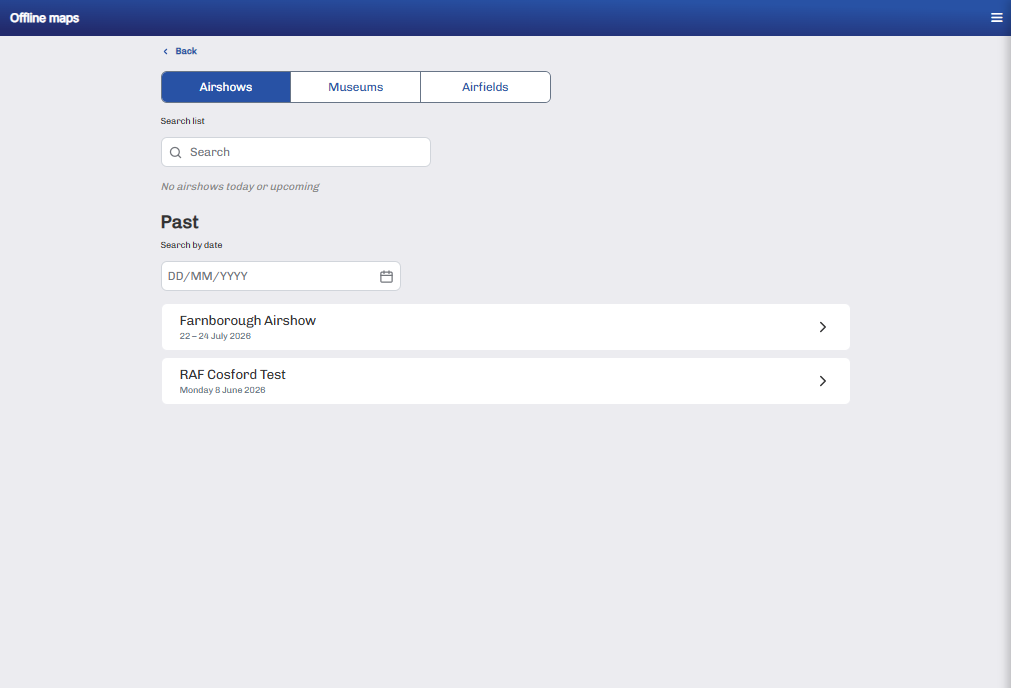
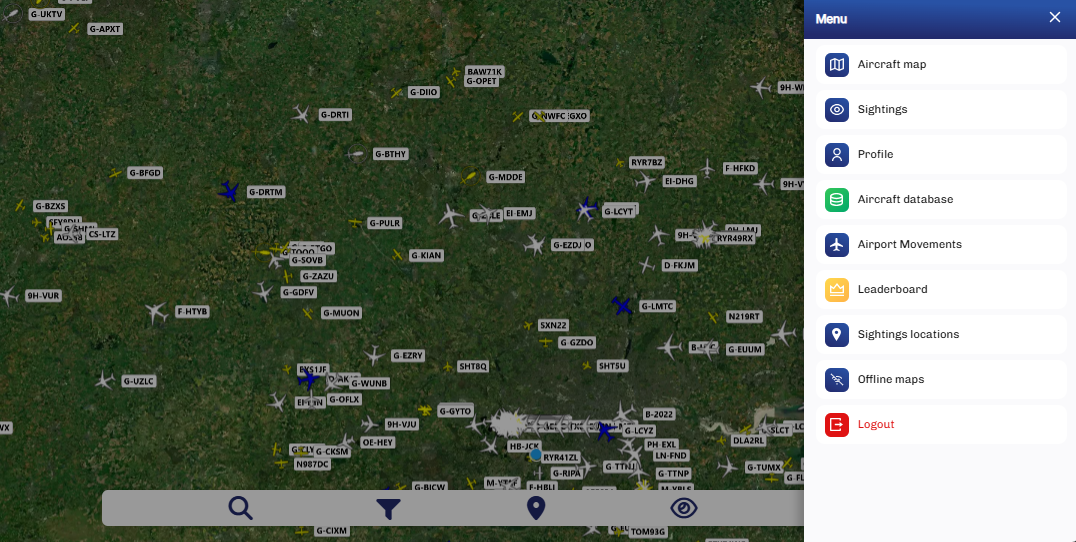
We’ve completely redesigned Offline Maps.
You can now switch easily between:
Events – including airshows, fly-ins and flypasts
Museums
Airfields – showing stored and based aircraft, with map pins where available
You’ll find Offline Maps directly from the menu on the main live map—no more searching through your profile.
Your chosen aircraft icon colour will now also carry across to Offline Maps.
Spot something that needs updating? Send your sightings link to support to help us keep an airfield, museum or event up to date.
This is just the beginning. New trip features will be added in a future update.
🧭 See which way you’re facing
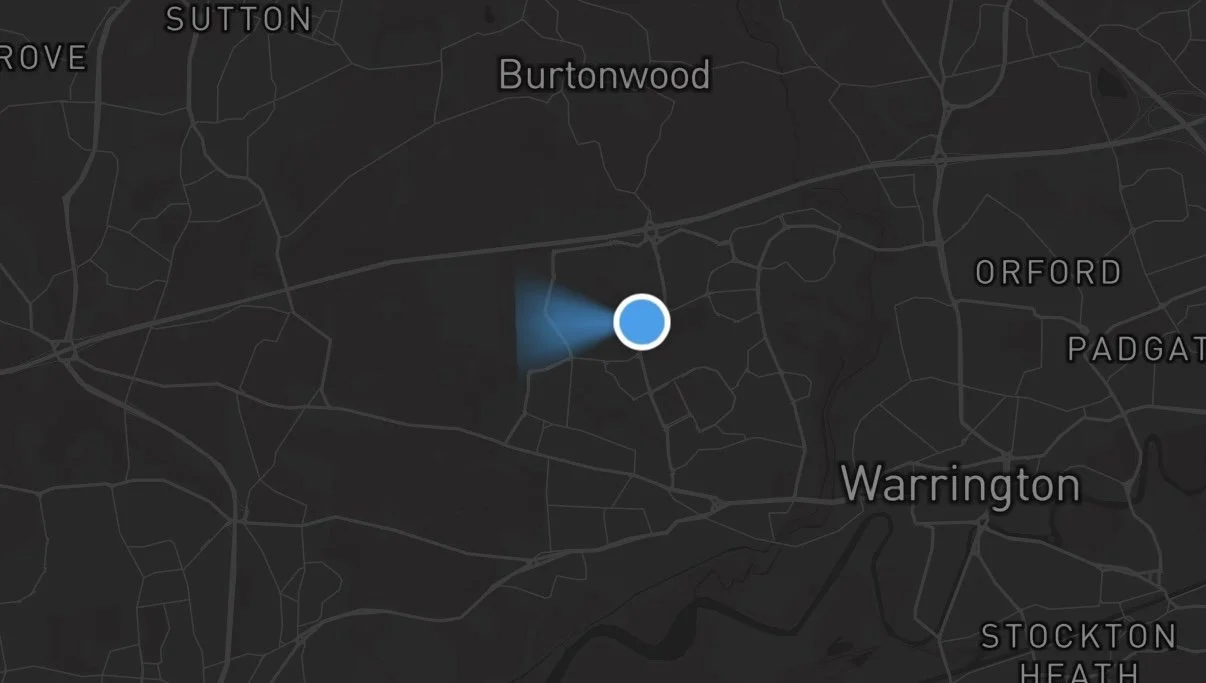
Your blue location dot now includes a direction cone, helping you work out exactly where to look. For IOS you’ll need to tap the locate button in the top right (under the zoom buttons) to allow motion permissions to activate the cone.
This is available on mobile phones and iPads.
We’ve also moved the locate button from the bottom left to the top right of the map. If you move away from your location, tap the target beneath the zoom controls to quickly centre the map again.
Using an iPhone? Your location dot will now follow you as you move, reducing the need to keep refreshing the page.
📤 Upload your own sightings
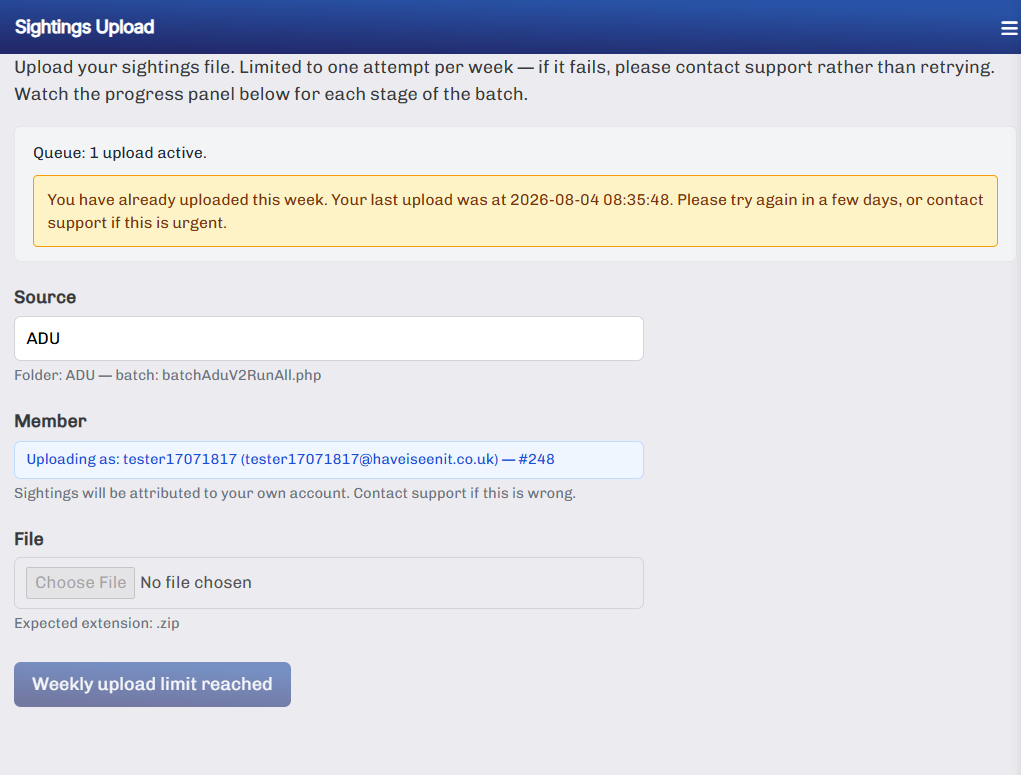
You can now upload sightings yourself, making it quicker and easier to add them to your account.
Uploads are currently limited to once per week. Contact support for full access and instructions.
More improvements are already on the way.
Happy spotting!
