

How to Access RAF Cosford list offline
💡Tip: set this up before you go as the initial steps require some signal💡
We’re so excited to share that thanks to Threshold Aero we have been able to provide a live planespotting experience using our platform to log all aircraft you see (both static and flying displays) whilst at the RAF Cosford Airshow.
Step - by - step instructions:
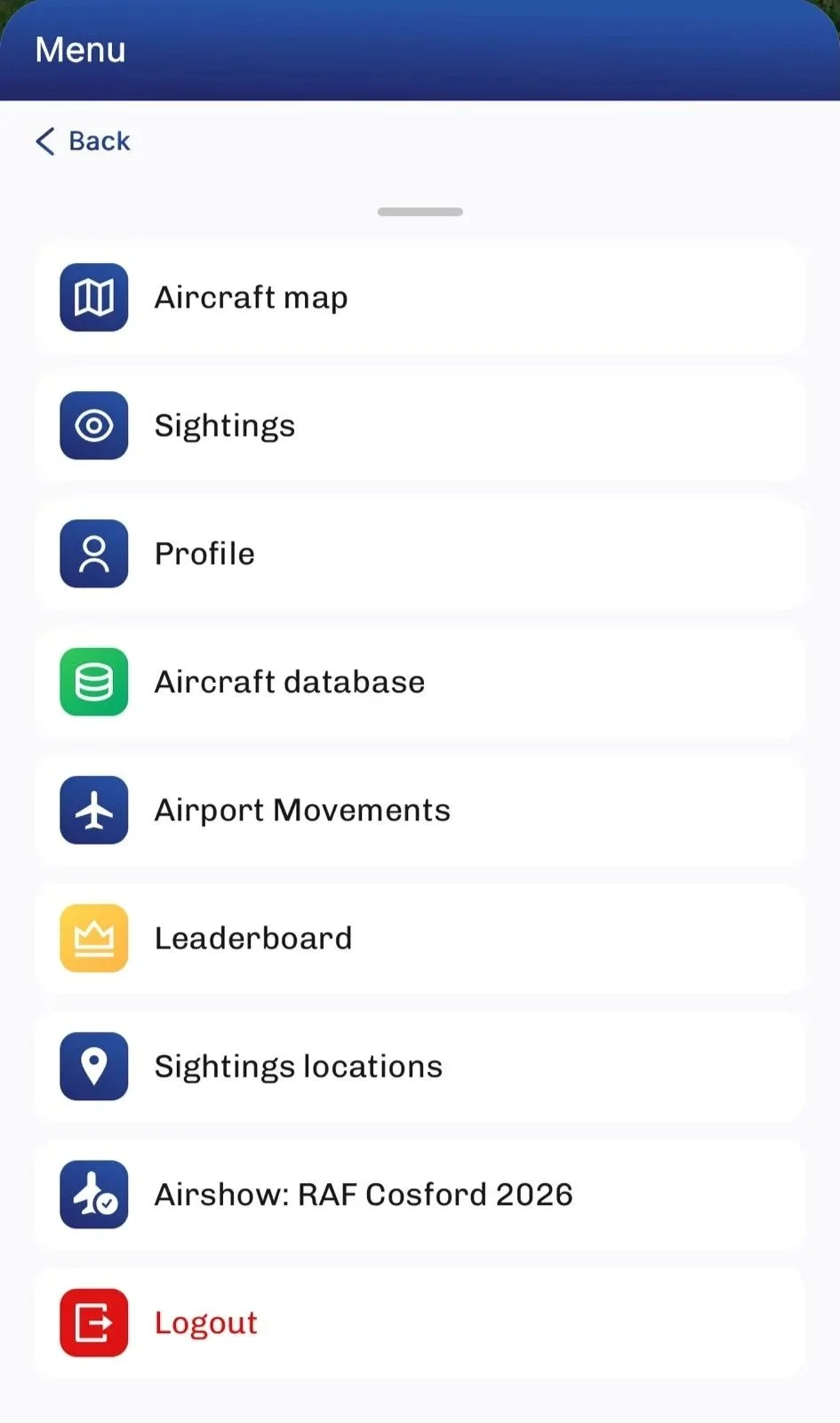
1️⃣Log in and find the page
Once you’ve logged in navigate to the menu and then find the header that says Airshow RAF Cosford
⚠️Warning: once you have your PWA open at the airshow don’t clear or completely remove the tab as you won’t be able to access it offline after that ⚠️
2️⃣Adding to home screen (apple/safari):
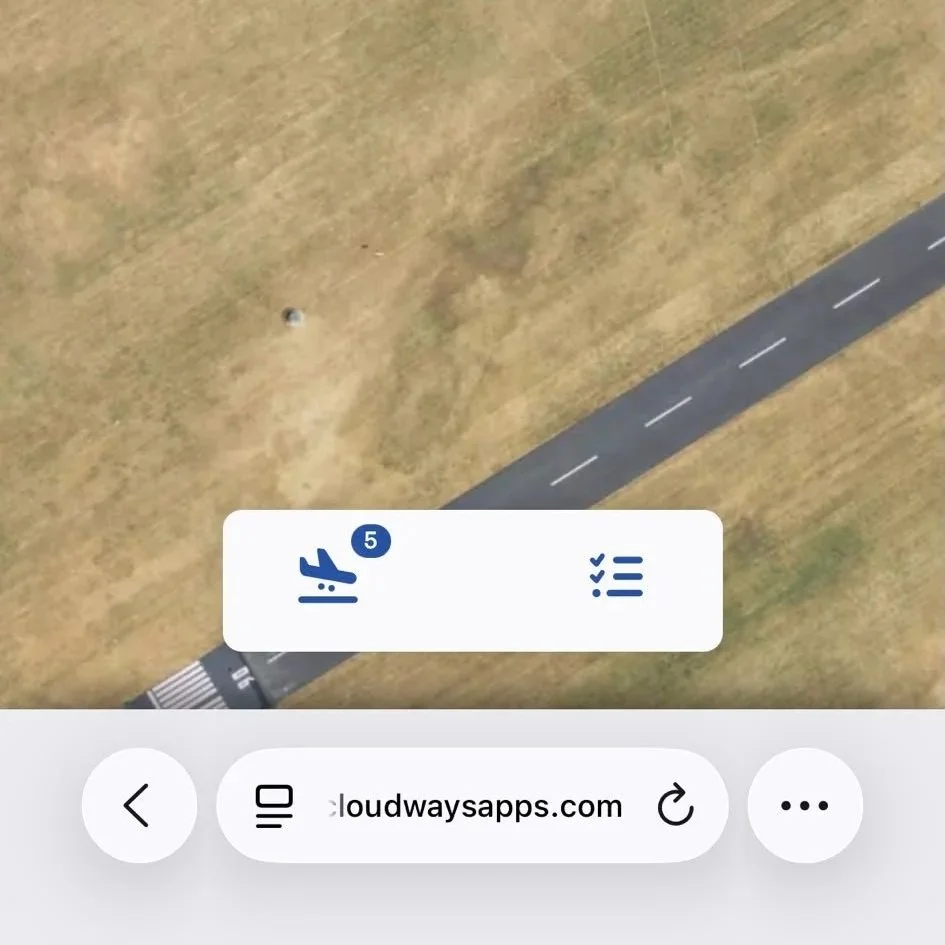
Find the 3 dots to find the share button
Tap the Share button (box with arrow) at the bottom of the screen
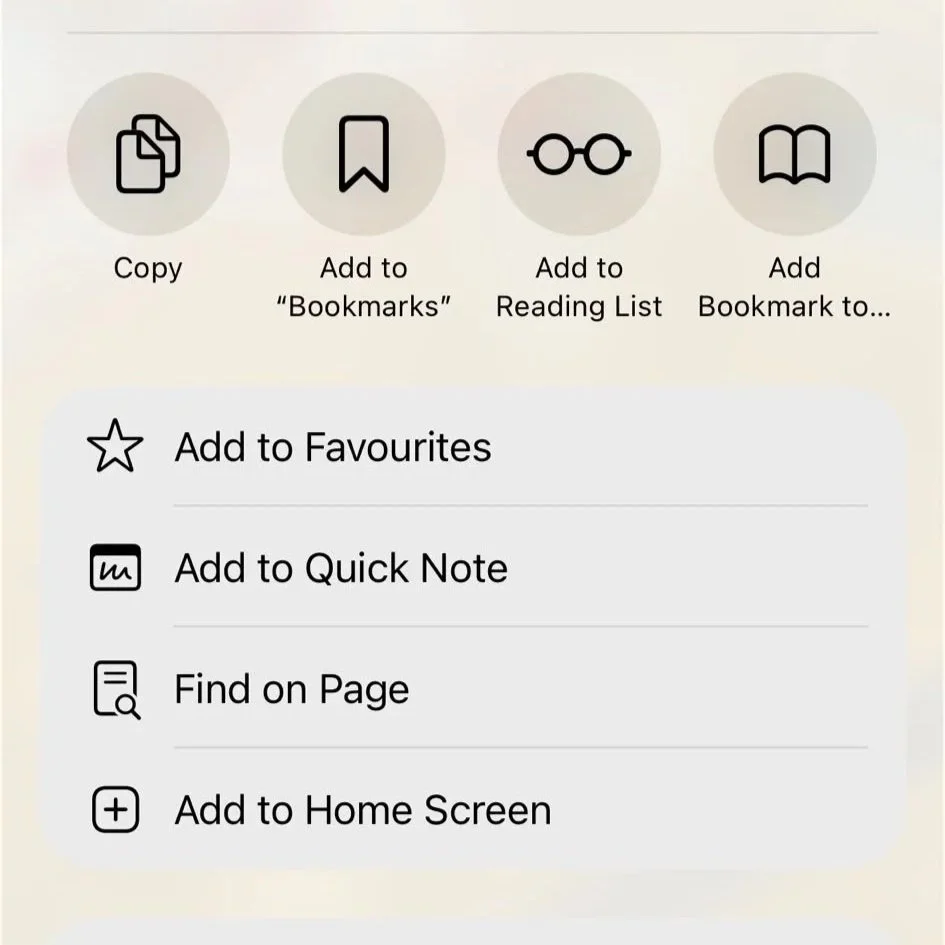
Scroll down the share sheet and tap "Add to Home Screen"
Edit the name if needed
Tap "Add" in the top right corner
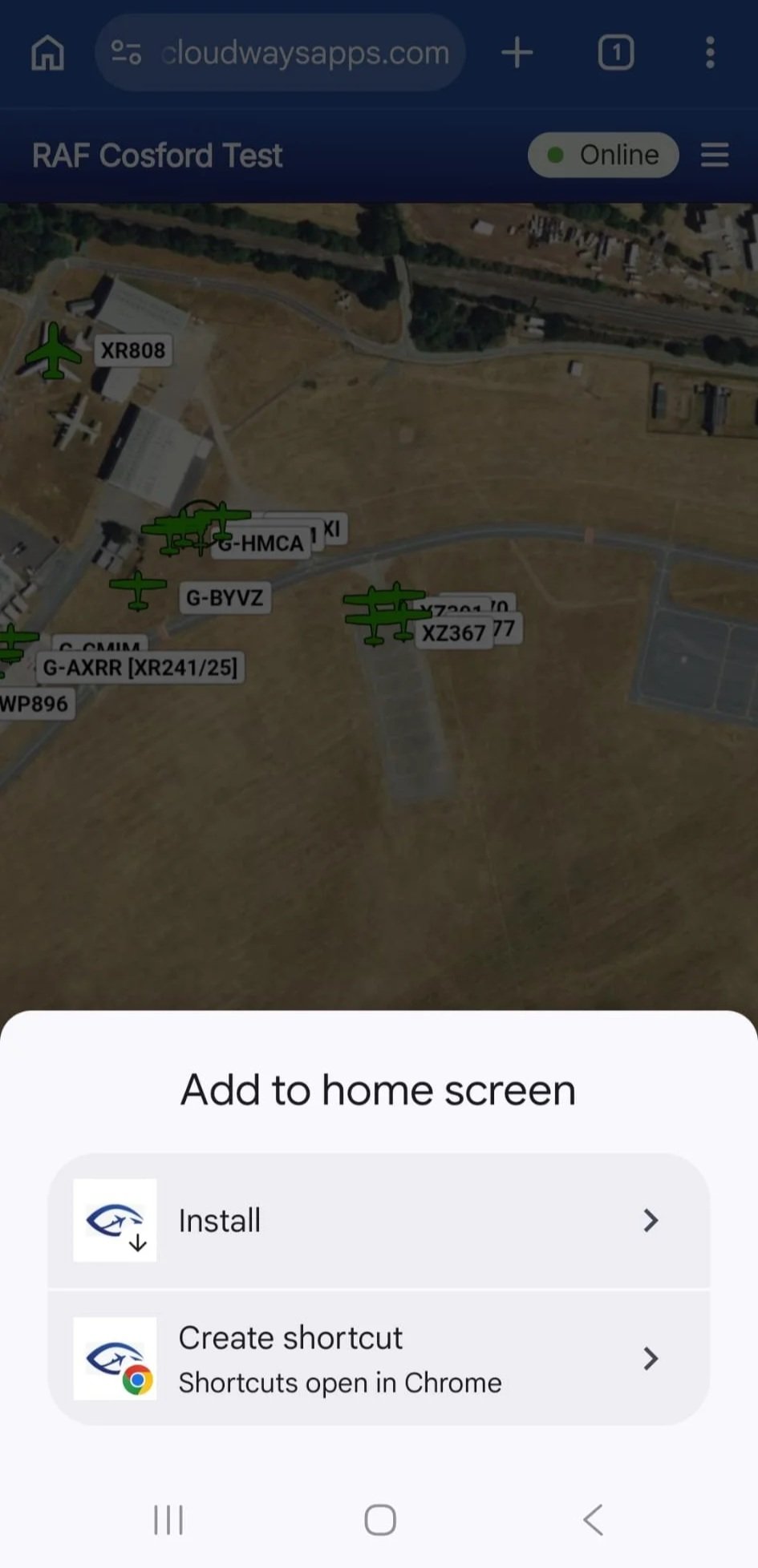
3️⃣Adding to home screen (android/chrome):
Open Chrome and go to the site
Tap the three-dot menu (⋮) in the top right corner
Tap "Add to Home screen"
Edit the name if needed
Tap "Install"
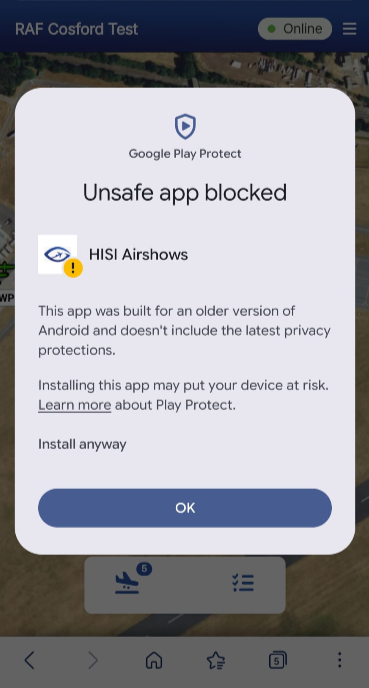
3️⃣Adding to home screen (android/samsung):
⚠️ We recommend installing using Chrome on Android rather than Samsung Internet.
If you install using Samsung Internet, you may see a Google Play Protect warning saying "Unsafe app blocked." This is not a problem with our app — it's caused by Samsung's browser generating an outdated installer file. You can tap "Install anyway" to proceed safely, but to avoid this message altogether, use Chrome instead.
Open Samsung Internet and go to the site
Look for a + icon in the address bar
Tap it and select "Home screen"
Tap "Add"
💬 Got Questions?
Struggling to add the shortcut or have questions about the feature, reach out to us via Discord, or use the contact form. We’re always listening.
This feature continues our mission to make Have I Seen It the ultimate tool for aircraft spotters. Anytime, Anywhere.
More than plane spotting.
